
This elearning course was created to help educators without a design or technical background the best practices for visual design, enabling them to make resources that are accessible and visually appealing. I created it as a practice project and not for a client.
Overview
In this scenario, a client came to me looking for some help in designing a training for their freelance employees. This client is the founder of a small education business with a team of 30 educators that have varying experience in designing and technology. The client is looking for a solution that will help their freelancers create visually accessible and appealing content, improve team cohesion, and save time in the editing phase of the project.
Process
- Analysis
During the analysis process it became clear that there were three main issues that were causing the employees to struggle. The first one was that employees were having trouble remembering all of the information needed to complete a slide correctly. Trying to remember to use the right fonts with the right size, keeping elements spaced correctly, knowing all of the components that needed to appear on all slides were causing mistakes that added more time into the editing process. Another problem that the freelancers reported was the lack of skill that had in using Canva and considering visual design principles. They could create the written educational content, but had trouble making sure that the lessons still visual accessible and appealing. Finally, we needed to address the freelancers comfort with technology. Many of the freelancers reported that they needed help in troubleshooting in Canva when the program didn’t work the way that was expected. They also reported having an mental image, but did not have a good idea of how to utilize Canva to make it happened.
Two final constraints that the client placed were a time limit for training, and to make it self-paced. The contractors involved are paid on an hourly basis, so the shorter the training the better. They are also spread across different time zones and work and differently hours during the day. It would be too great an effort to train them all at the same time. We also discussed some possible ideal outcomes of the project. We decided that shortening the proofreading and editing phases, and having workers produce higher quality content more efficiently were the two priorities.
After assessing the client’s needs, we decided that creating a self-paced elearning course and a job-aid detailing a checklist of items that need to be completed before moving on were the best solution for their needs. The course would include a pre-assessment about the company’s style and brand guidlines, a canva tutorial, and visual design principles. If the user scored more than 80% on any section, they will skip the sections they passed and straight to the ones they did not, allowing for the freelancers to use their work time more efficiently.
To make these determinations, I decided to use a needs assessment and an action map.
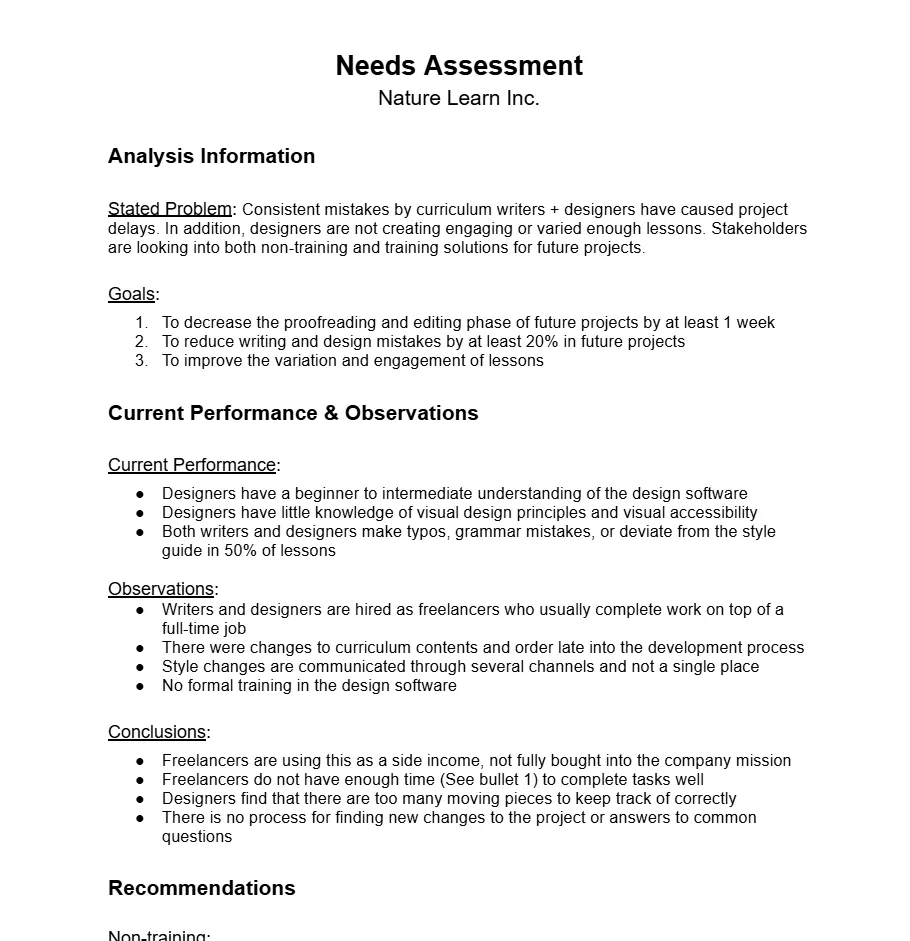
Needs Assessments
To see the needs assessment in full detail, check out the project document I created!
Action Map
- Design
I first completed a design document.
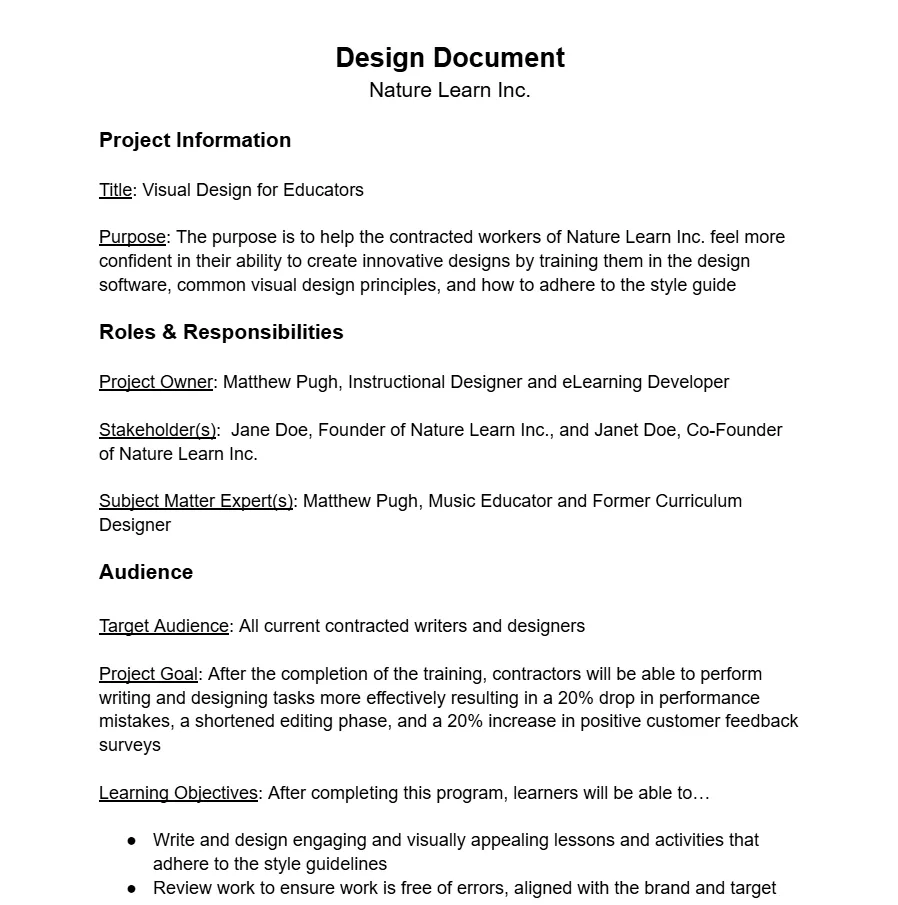
To see the needs assessment in full detail, check out the project document I created!
Then, I created a text storyboard for the project.
Find more slides in my text storyboard for this project.
Then, I created a wireframe and visual mockups in Figma
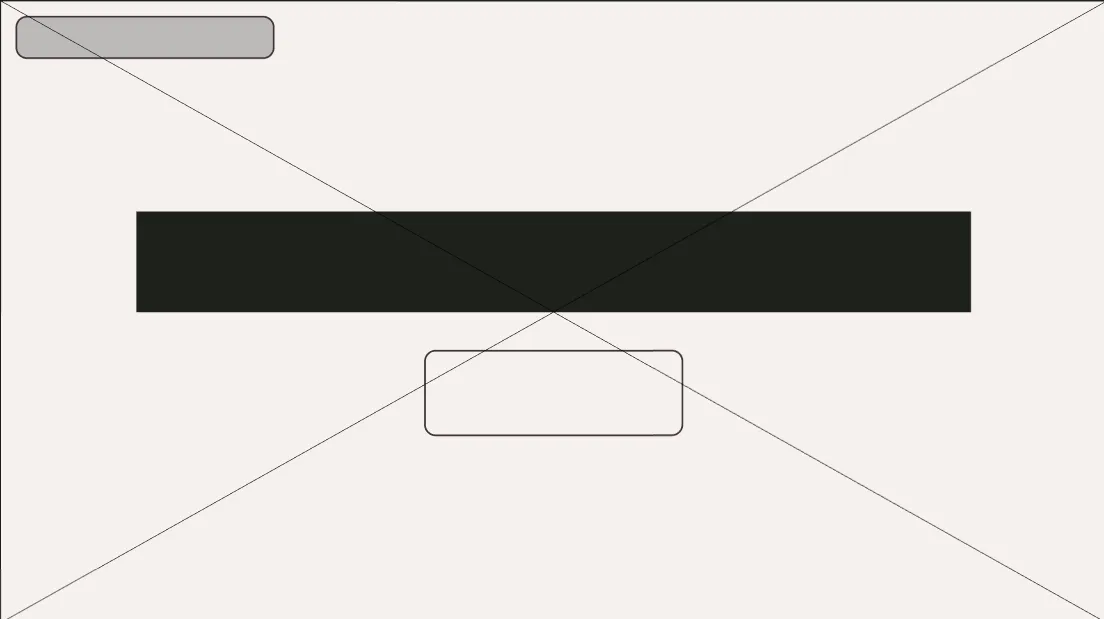
Wireframe for the first slide of the training

To see more wireframes and mockups, use the link to visit the Figma file
Picture 2 | Description Find more pictures @ link
- Putting it Together
- Final Results
- What I learned